
Joining PBG on Wharton Groups
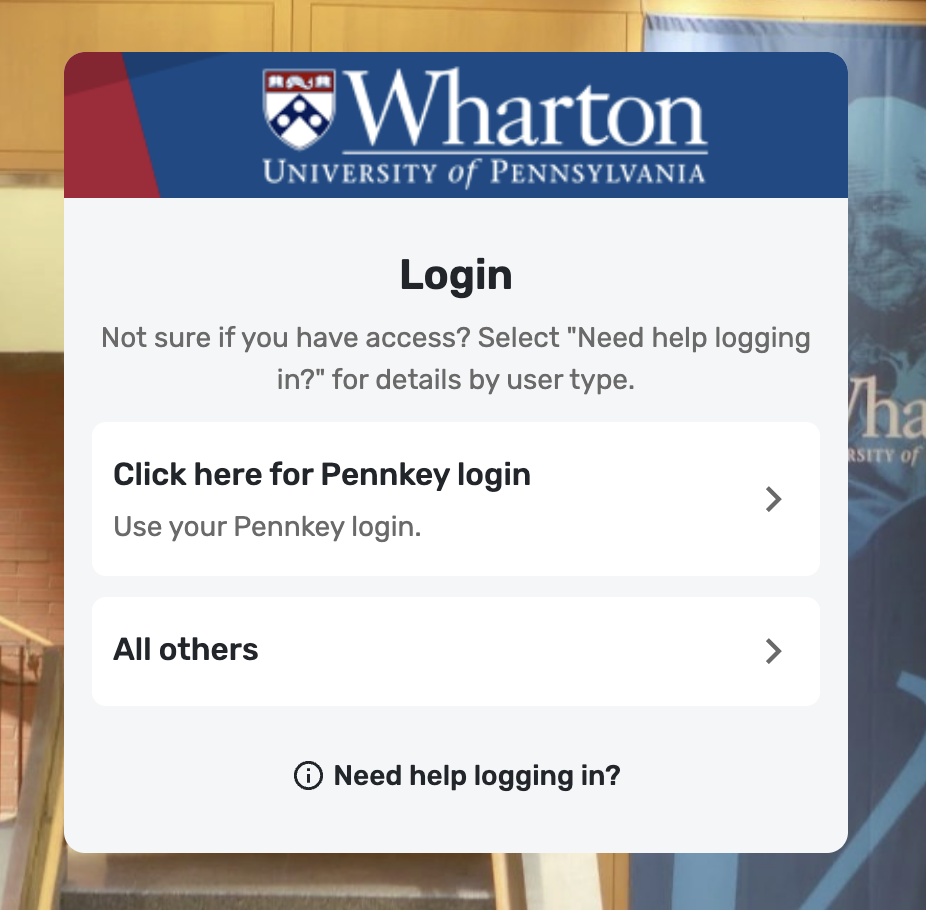
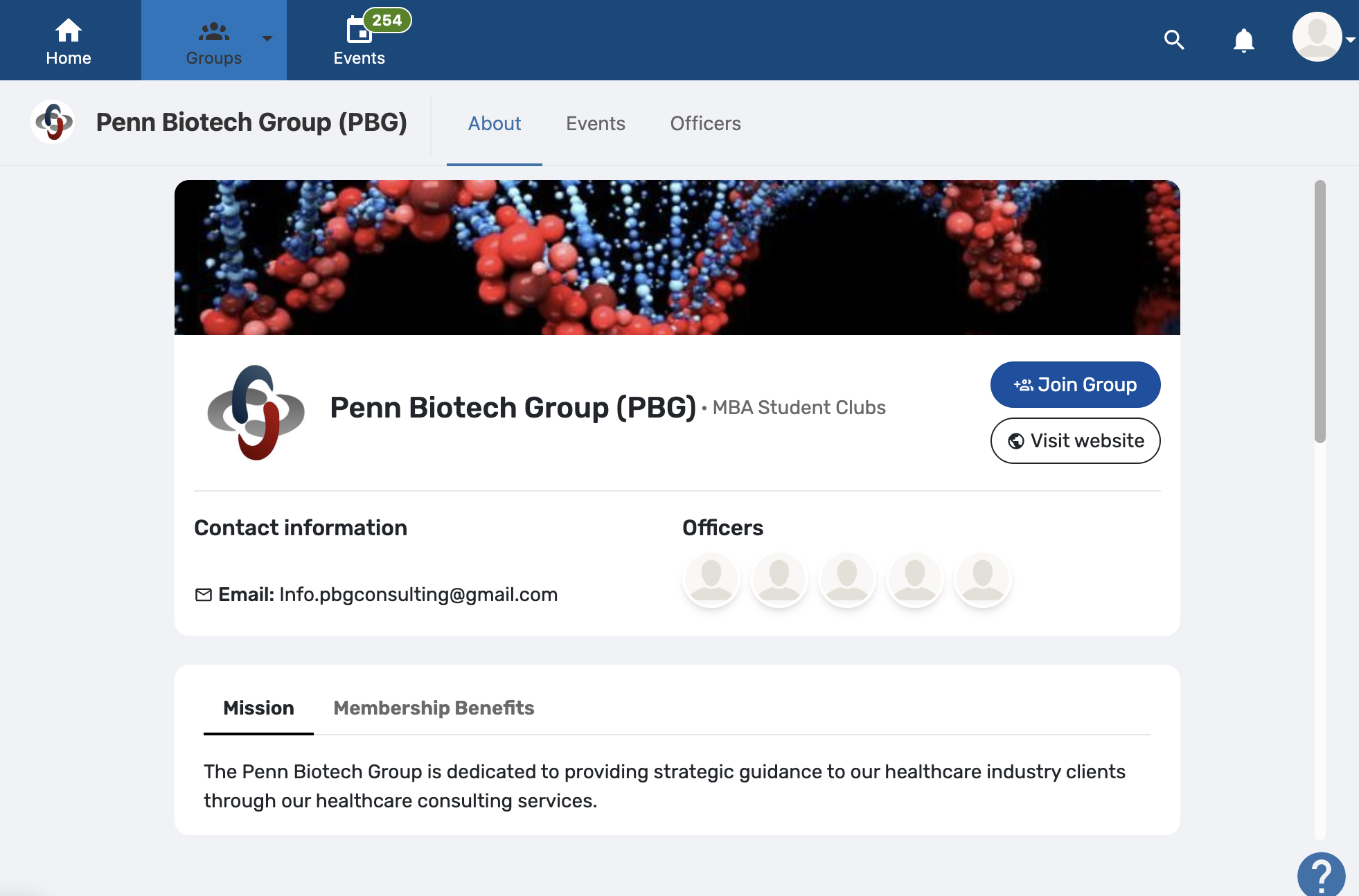
Step 1: Go to the Wharton Groups Login Screen
Return to the initial PBG login screen.
Step 2: Select “Need help logging in?”
Click “Need help logging in?” A pop-up will appear with instructions based on your student status.
Step 3: Follow the instructions for your student status
Wharton MBA or Wharton PhD students: Follow the instructions provided in the pop-up to log in.
All other students: You will need to create a new account first before logging in with your PennKey. Please refer to the attached images for guidance.
Post-docs: Please contact apps-support@wharton.upenn.edu for assistance.
Step 4: Still having trouble?
If you continue to experience issues joining PBG, please reach out to apps-support@wharton.upenn.edu for additional support. Explain your situation and request to join PBG through the Wharton Groups platform! Feel free to loop us in if you are concerned (info.pbgconsulting@gmail.com)
Steps to Accessing Our Pro Bono Consulting Application
1. Become a PBG member on Campus Groups by paying for either a one- ($50) or two-year ($85) membership.
2. Navigate to "Documents" -> "Fall 2026 Projects" folder on PBG's Campus Groups's page to find the pro bono projects that you can apply for this semester as well as with their descriptions. There should be a PDF file titled "PBG_Fall_2026_Project_List"
3. Check the first slide of the deck! The cover slide contains the password you'll need to access the pro bono application form.
If you are still having trouble after these steps, please do not hesitate to let us know and we can help troubleshoot.
Our 2026 Fall pro bono project applications are now live!
LINK: https://wharton.qualtrics.com/jfe/form/SV_4IcT08LWYZaPzYG
Team Member application due date: Wednesday, September 16th at 11:59pm
Project Manager and Project Director application due date: Friday, September 11th at 11:59pm